
Welcome to Cabcher! This guide is designed to assist you in efficiently navigating through the Cabcher dashboard, enabling you to optimize your experience on our platform. Whether you’re a seasoned user or a newcomer, this article will guide you through the essential features and functionalities of our dashboard.
Dashboard Overview
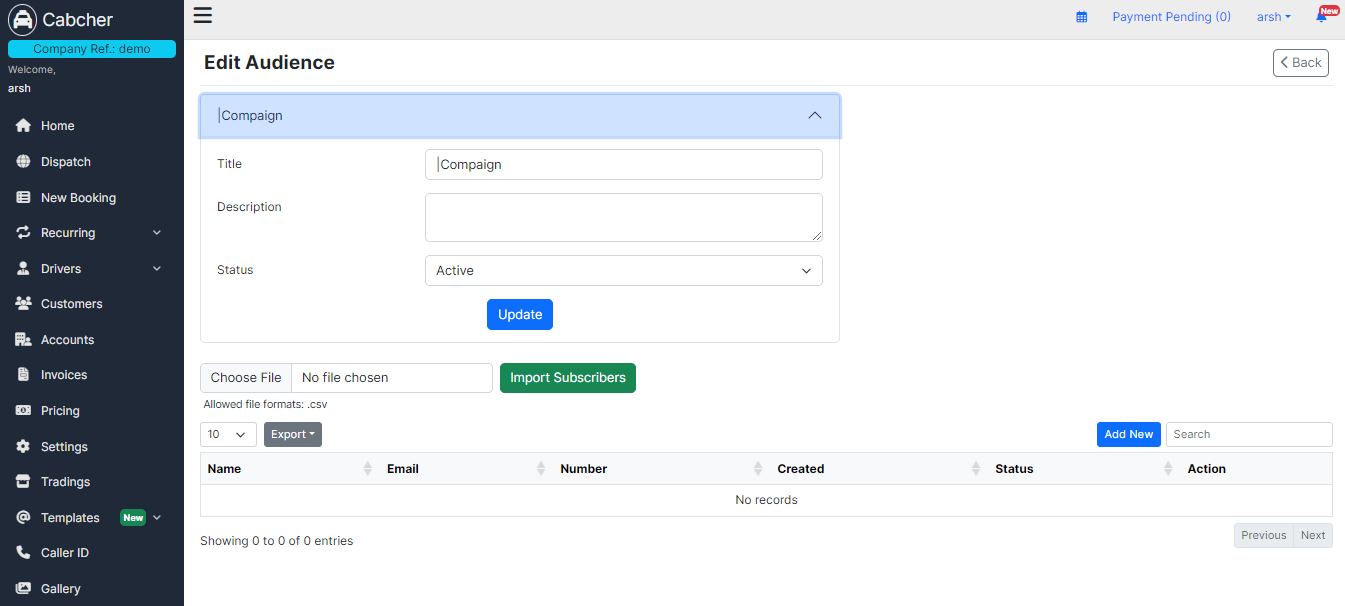
Once you log in, the Cabcher dashboard serves as your central hub for overseeing different facets of cab services. Here’s a concise overview of the primary sections accessible:
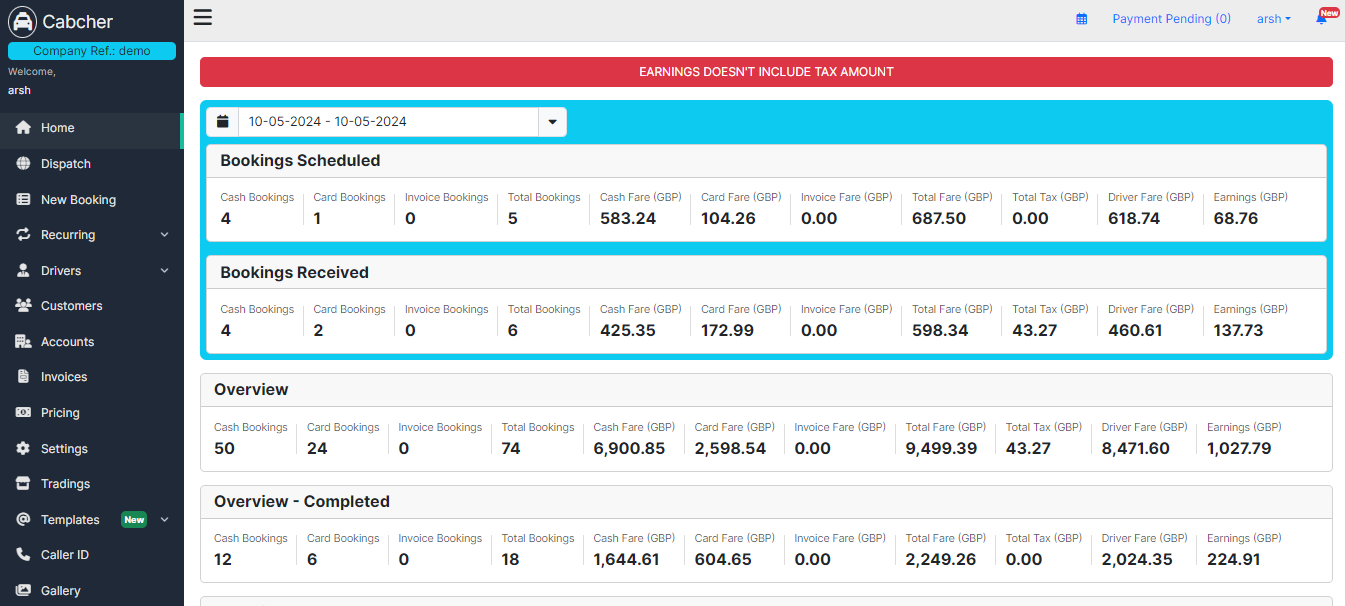
Home: The default landing page provides an overview of recent activity, important notifications, and updates from Cabcher.
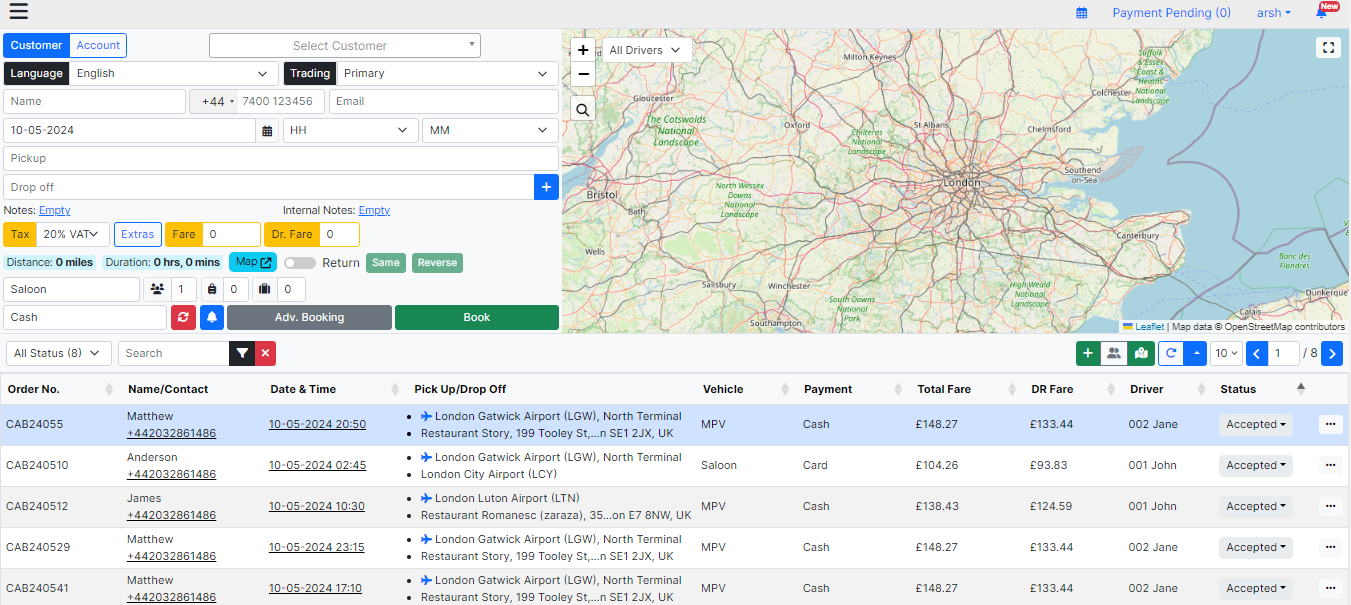
Dispatch: Manage real-time dispatching of your fleet efficiently, ensuring timely pickups and drop-offs.
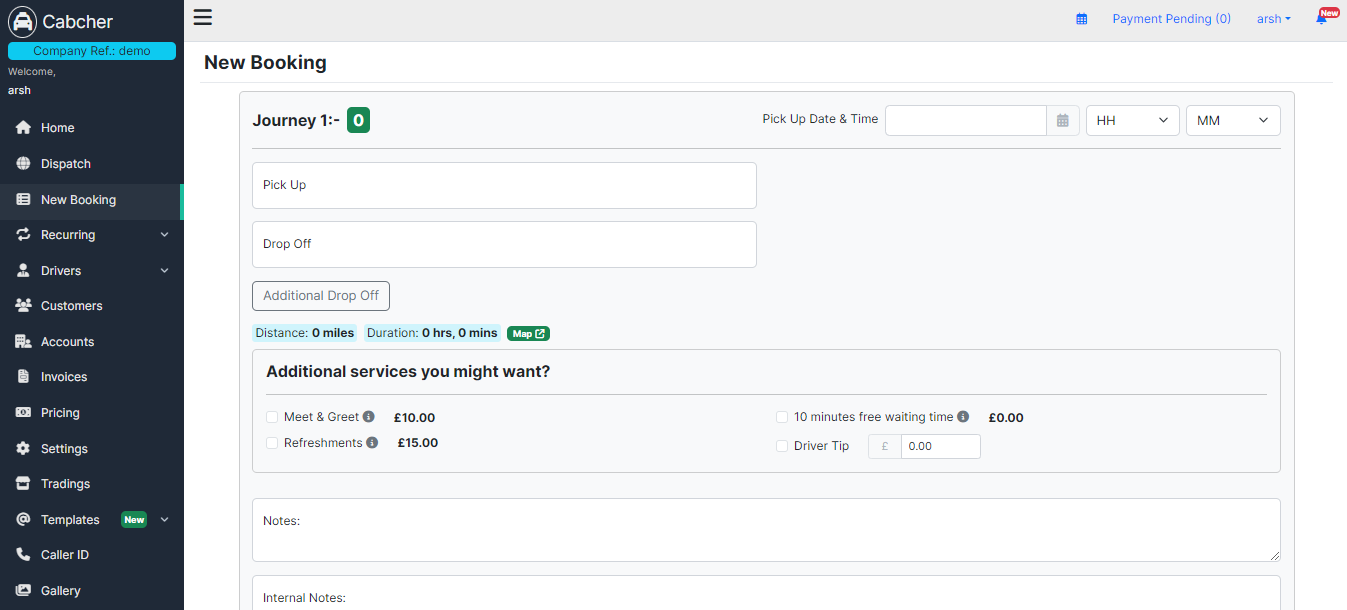
New Booking: Easily create new bookings for your customers, specifying pickup and drop-off locations, dates, and other relevant details.
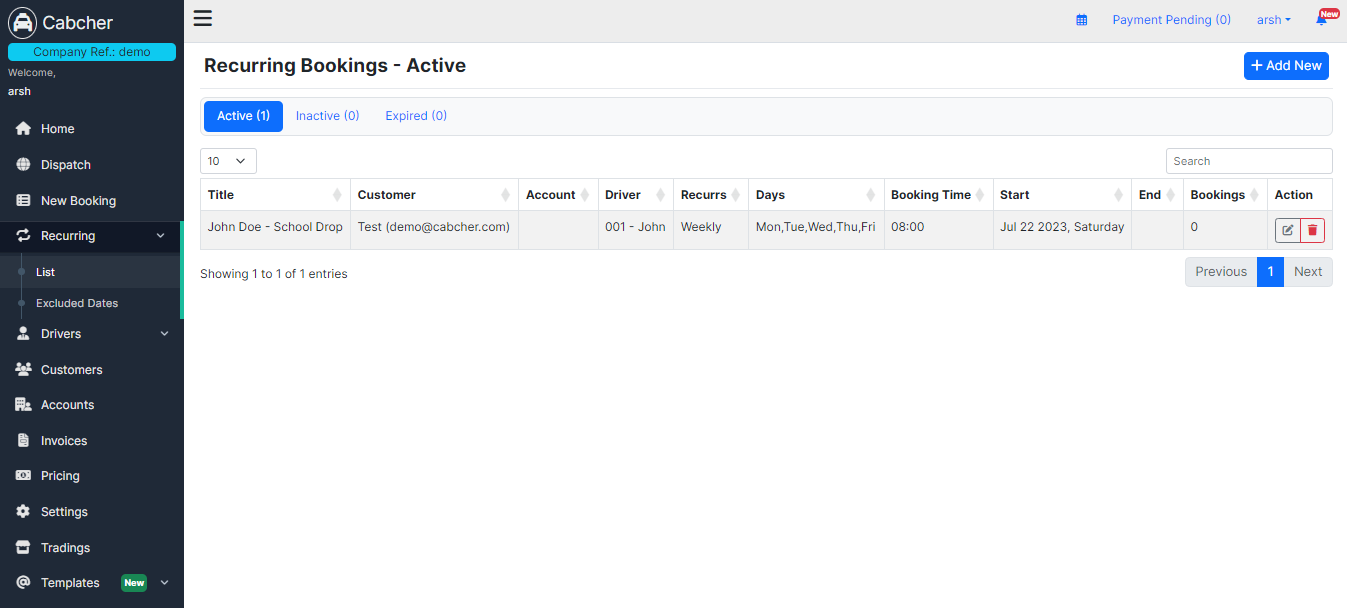
Recurring: Set up recurring bookings for customers who require regular transportation services, such as daily commutes or weekly appointments.
Drivers: Manage your drivers’ profiles, schedules, and assignments, ensuring optimal utilization of your fleet.
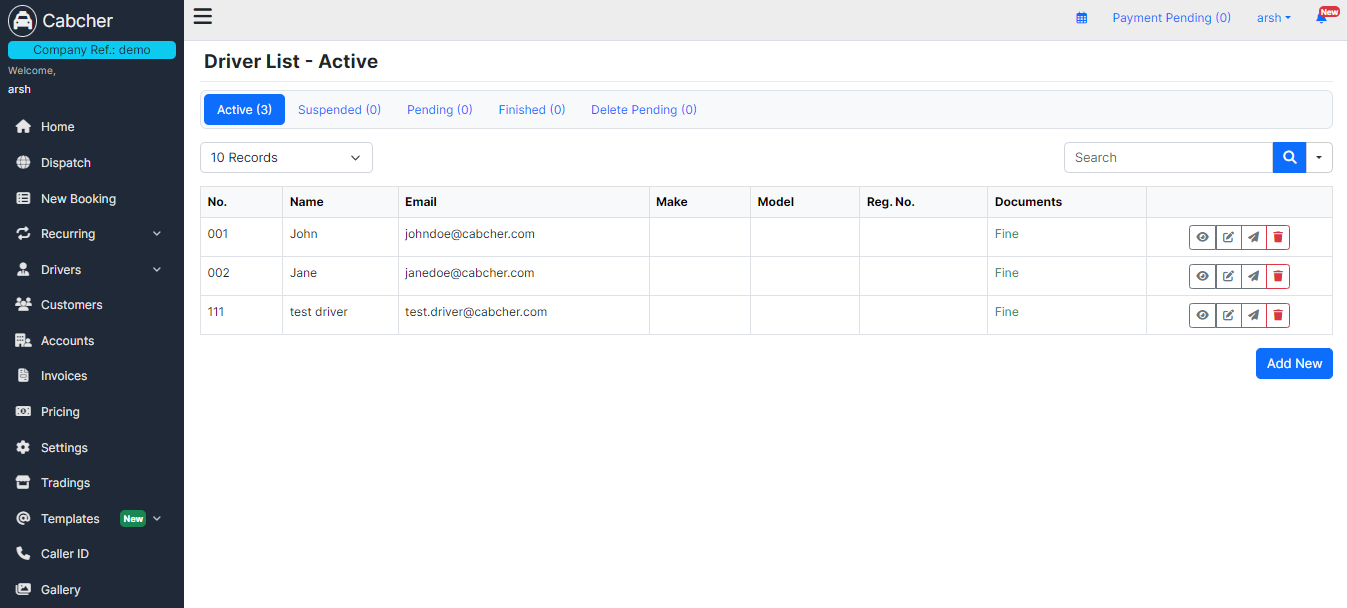
Customers: Access and manage customer profiles, booking histories, and preferences to provide personalized services.
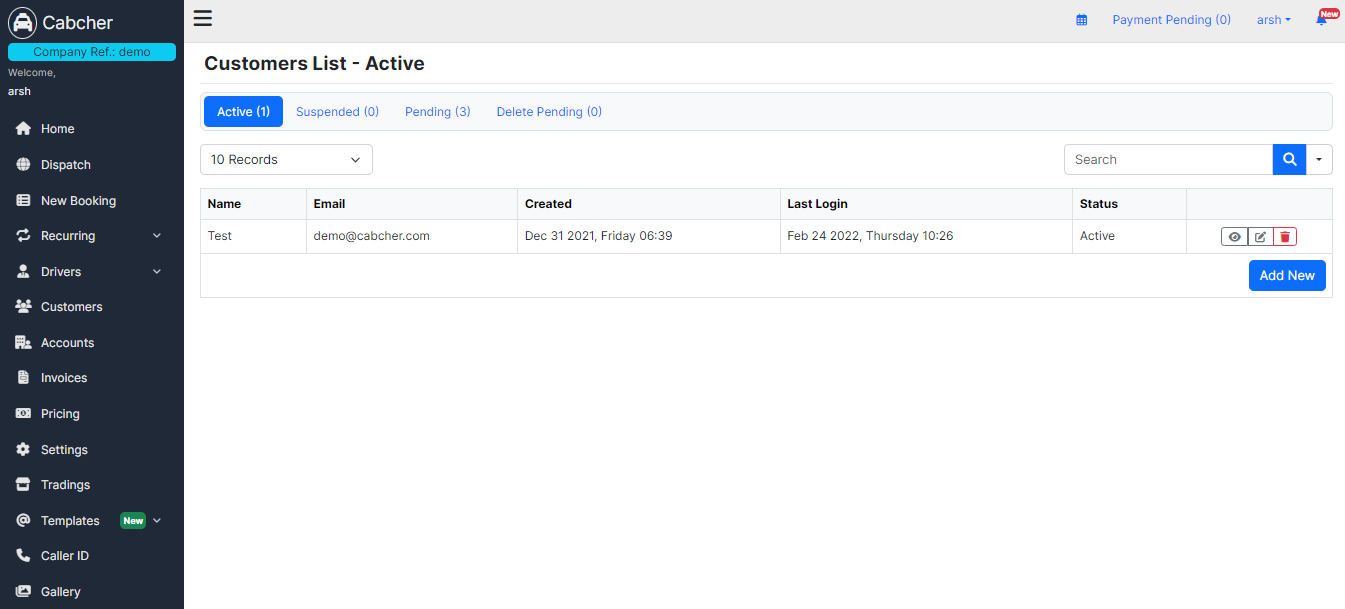
Accounts: Handle financial transactions, view invoices, and manage billing details securely.
Invoices: Generate and manage invoices for completed bookings, ensuring accurate and timely payments.

Pricing: Set and adjust pricing policies, rates, and discounts to stay competitive in the market.
Settings: Customize your Cabcher experience, including language preferences, notifications, and privacy settings.

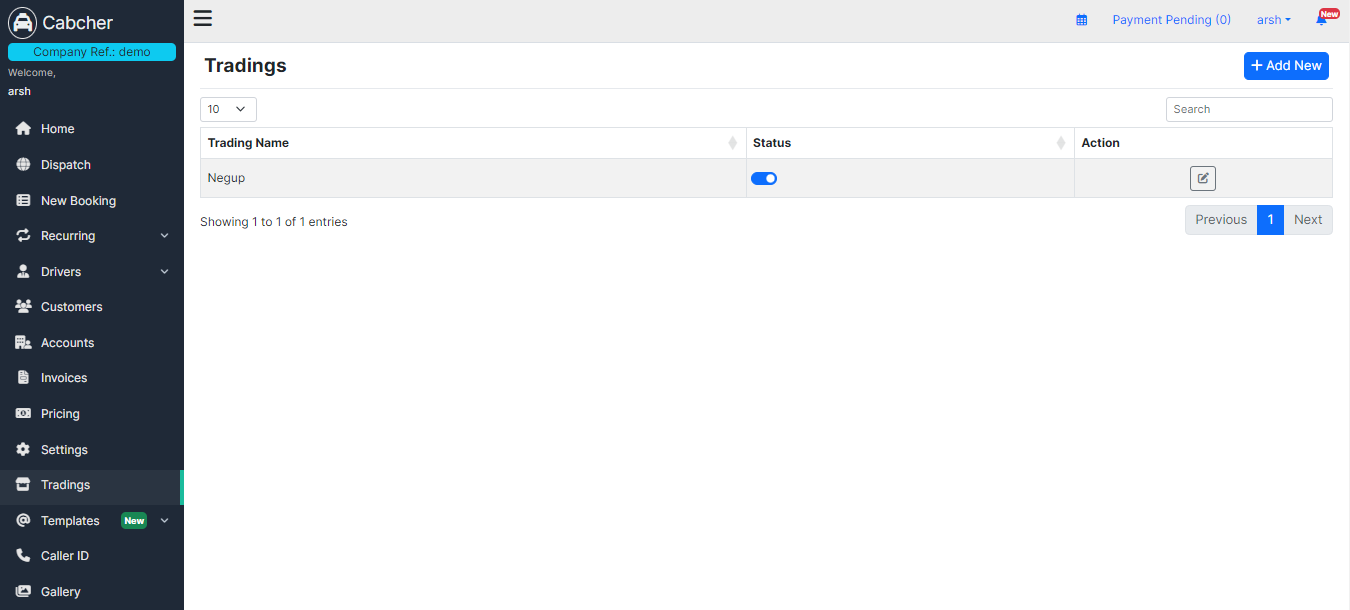
Tradings: Explore trading opportunities, partnerships, or affiliate programs to expand your business network.
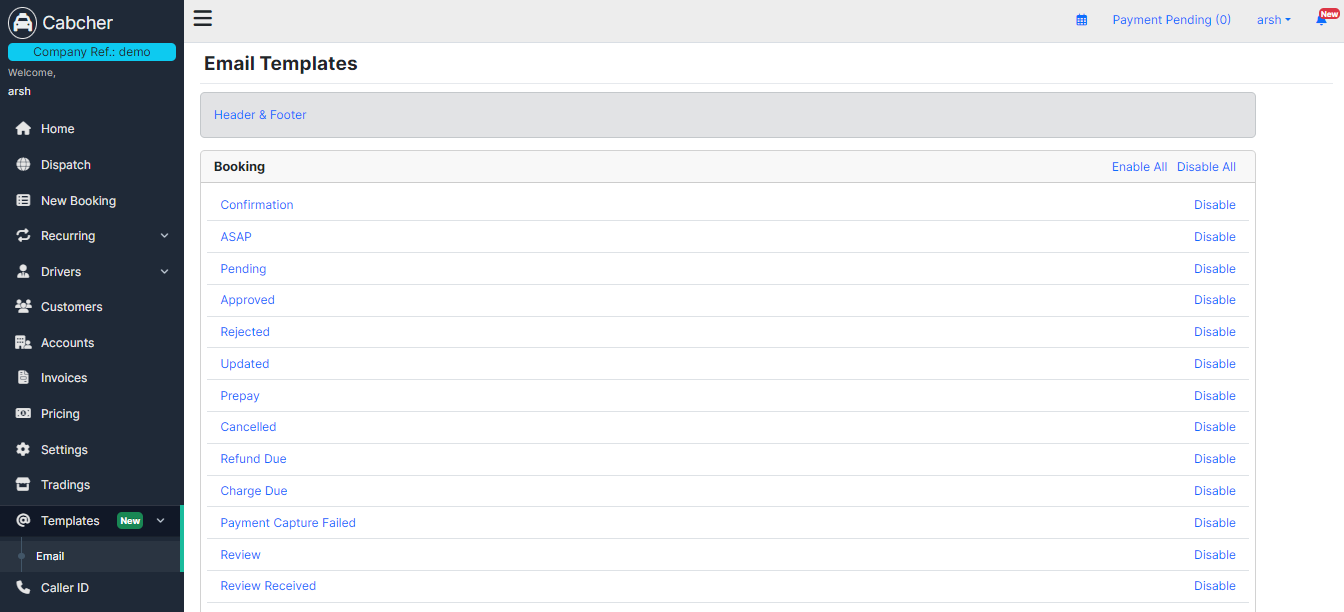
Templates: Create and manage templates for common booking scenarios or communication purposes, streamlining your operations.
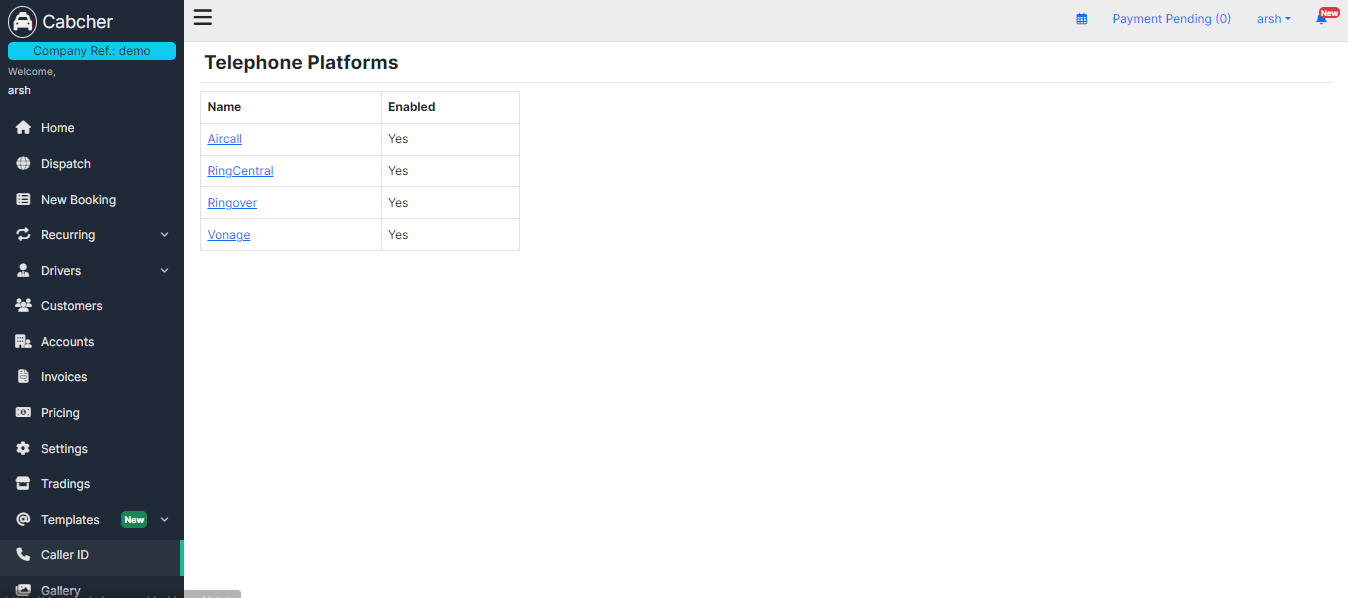
Caller ID: Integrate caller identification features to streamline communication with customers and drivers.
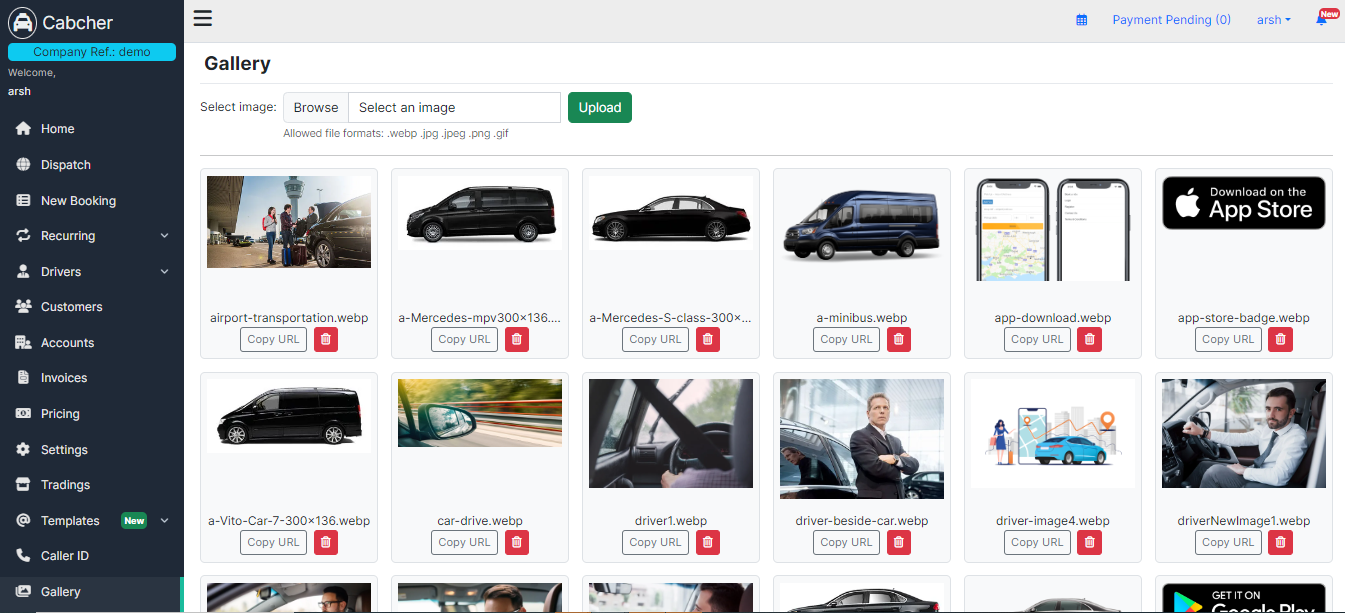
Gallery: Manage a gallery of images showcasing your fleet, facilities, or promotional events to attract potential customers.
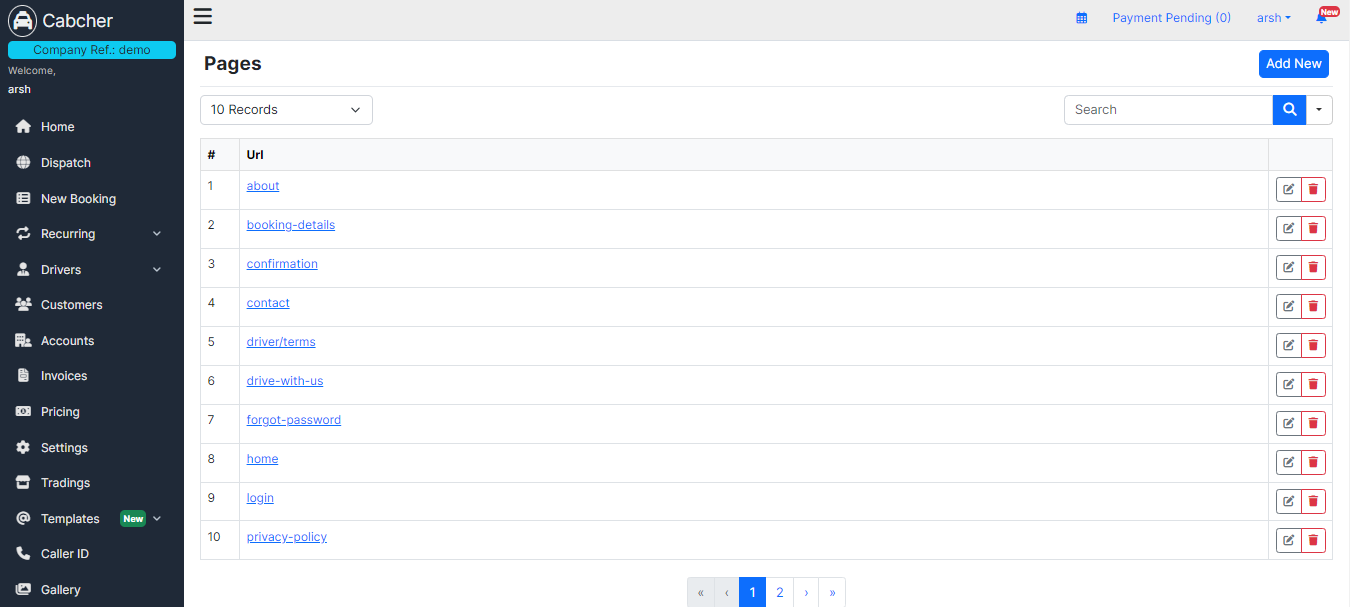
SEO / CMS: Optimize your online presence with search engine optimization (SEO) tools and content management system (CMS) features.
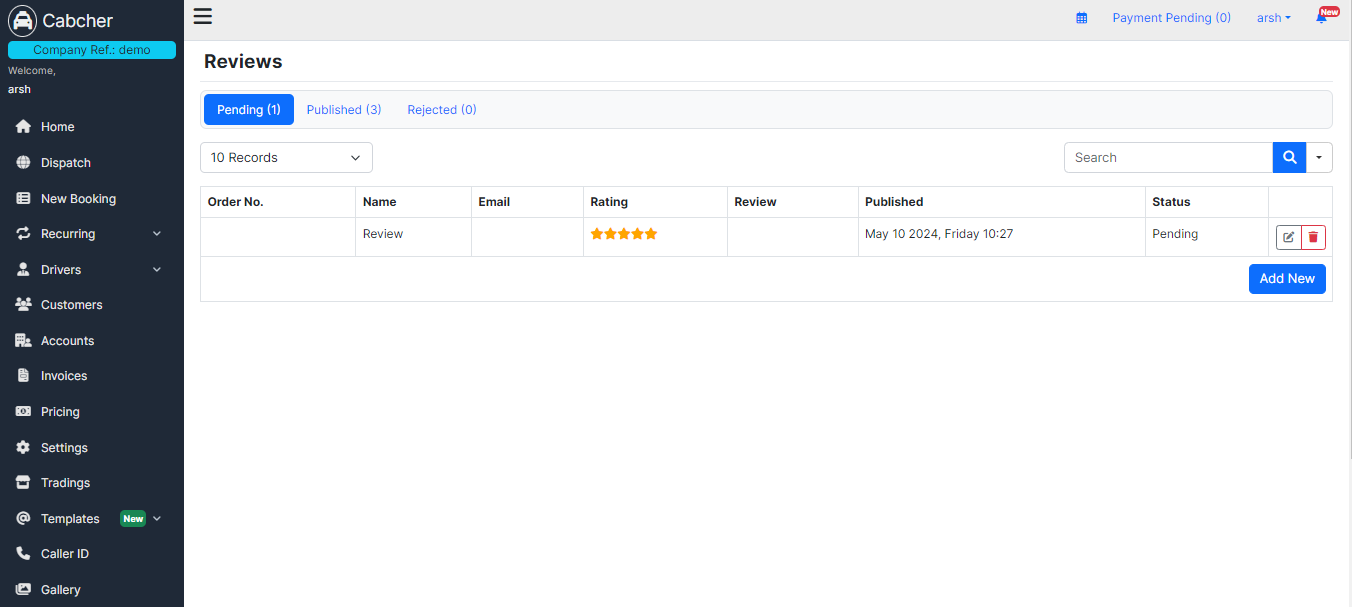
Reviews: Monitor and respond to customer reviews and feedback to maintain service quality and reputation.
Marketing: Explore marketing tools and strategies to promote your cab services and attract new customers.
Widget/API: Integrate Cabcher features into your website or mobile app using our widget or application programming interface (API).
